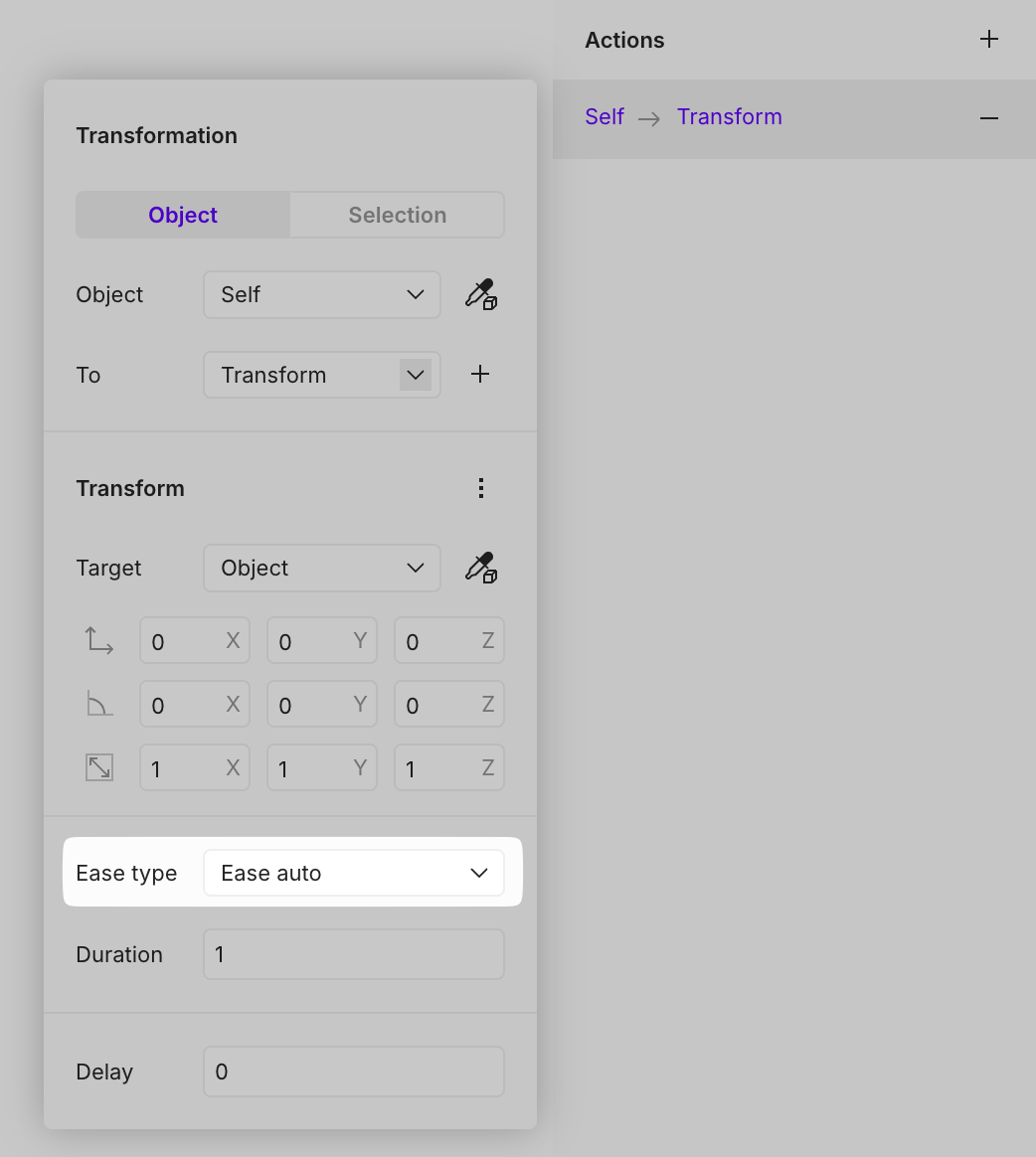
# Transformation
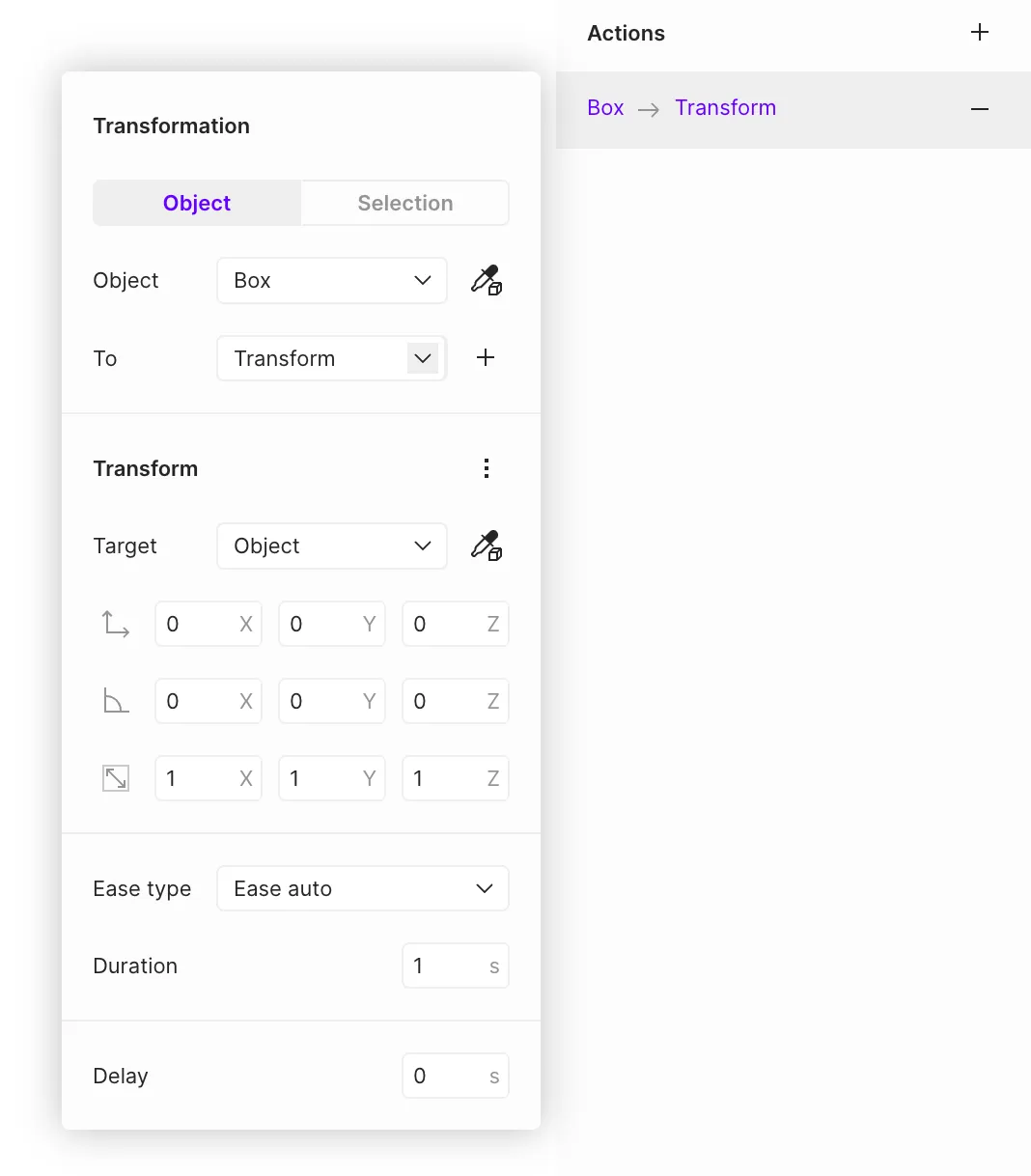
The **Transformation** action allows defining object states and configuring transitions between them. State changes include modifications to an object's position, rotation, and scale.
The target can be either a specific object or [selections](https://open-2v.gitbook.com/url/help.vectary.com/documentation/other/selections "mention").
## To (state)
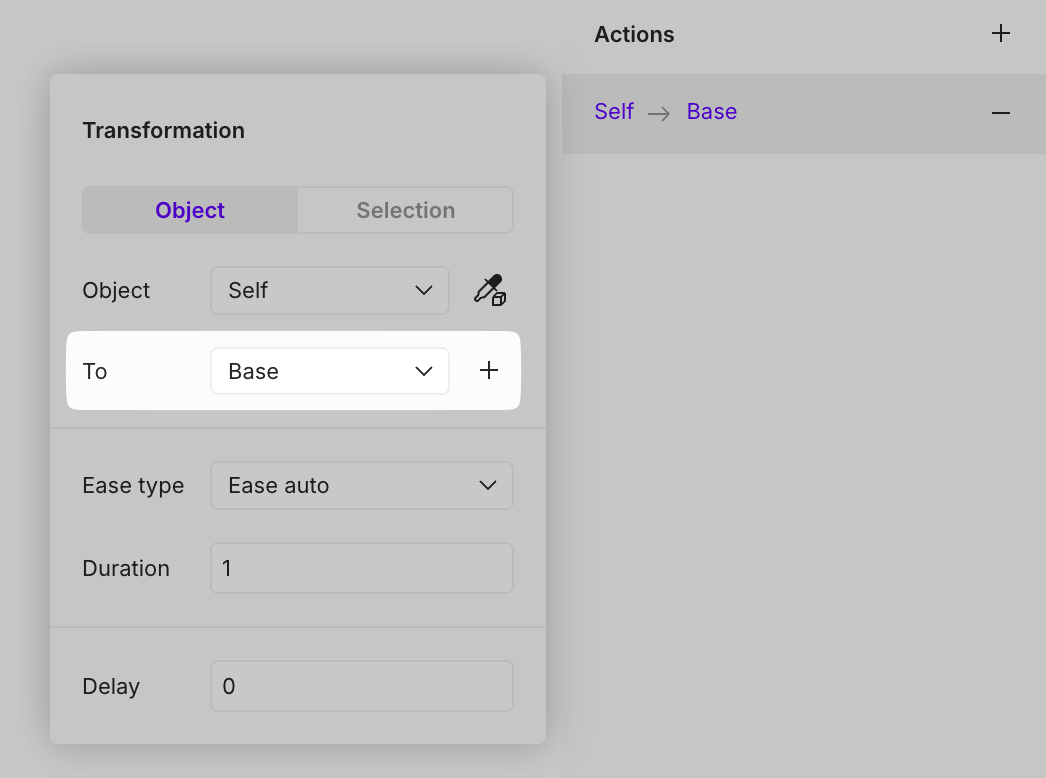
Defines the target state for the transition. A new state can be created, an existing one selected, or the object can be reset to its base state.
* To create a new state, click the **plus** icon.
* To select an existing state, choose it from the drop-down list.
* To rename a state, click on the drop-down list and change the default "Transform" name to a custom one.
## **Transform**
### Target
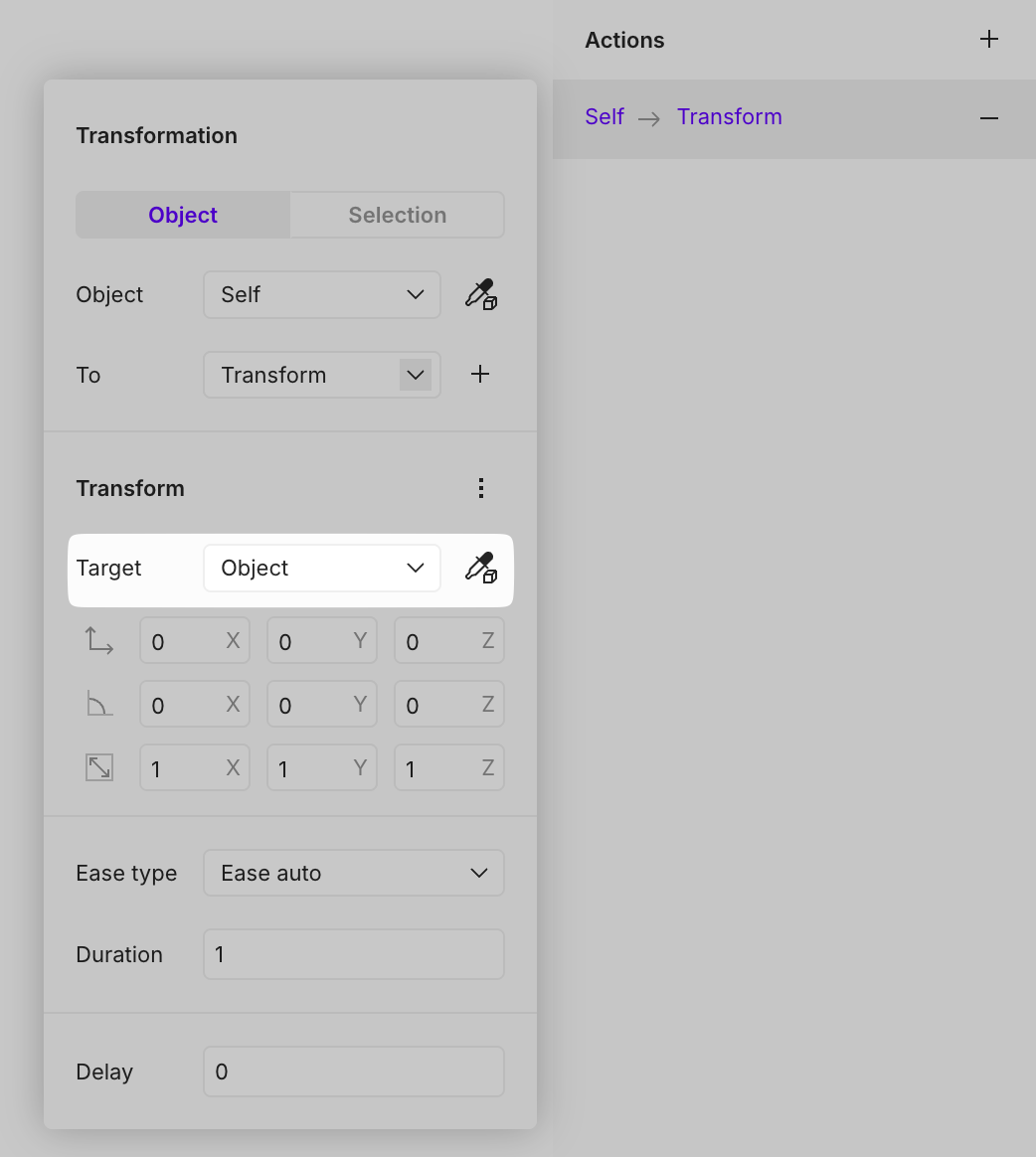
**Target** - Specifies the target location or object for the transformation.
* **Object** — No specific target is selected.
* **World** — Moves to a predefined world position.
* **Trigger** — Moves to an object acting as a trigger in the interaction, following it even if it moves.
* **Pointer** — Uses the cursor as the target.
* **\[Any object]** — Moves to a selected object.
### Transformation
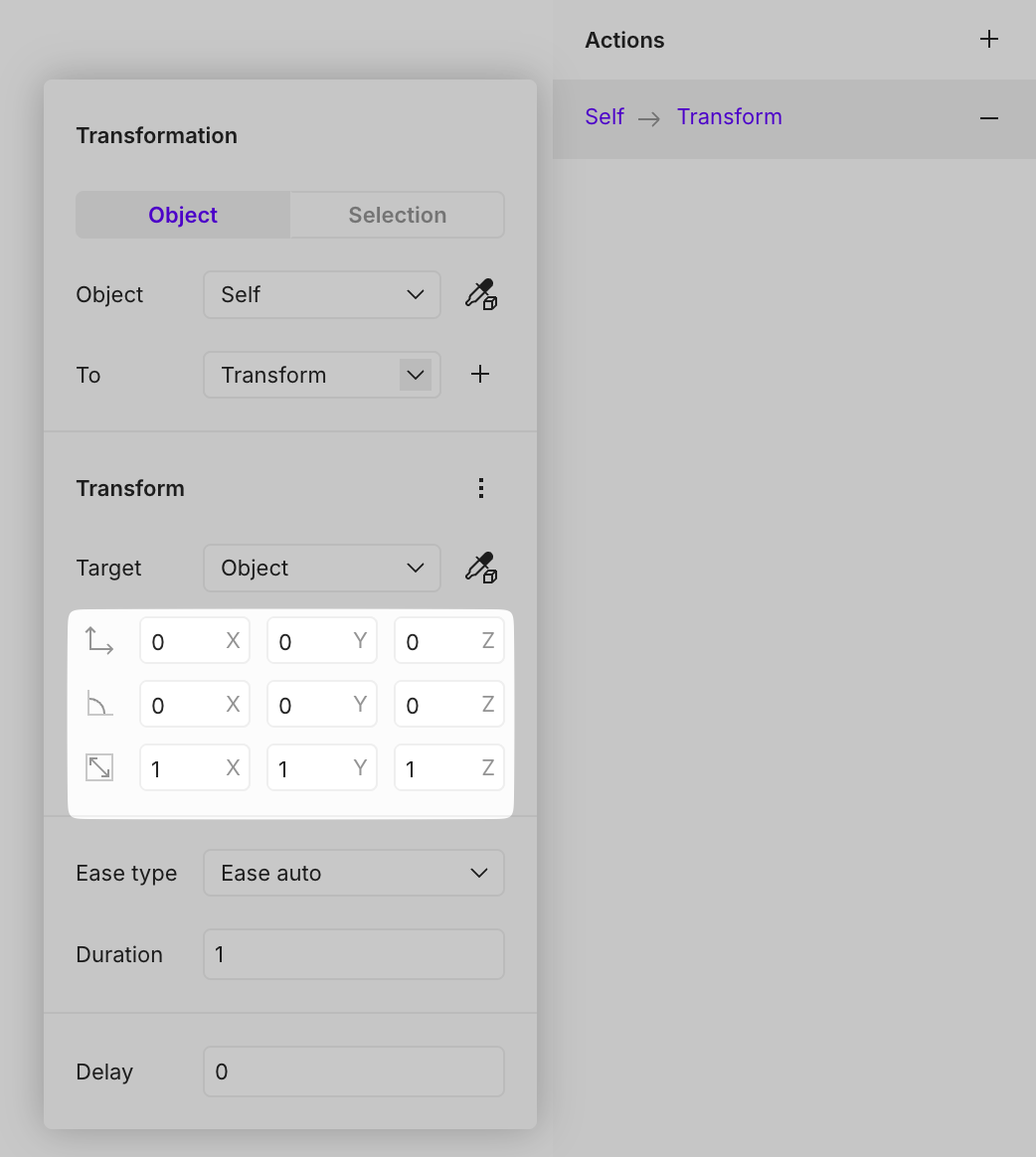
Configures the changes applied to the object in the selected state, including **position, rotation, and scale**.
{% hint style="success" %}
Variables and expressions can be used for precise adjustments
{% endhint %}
{% hint style="info" %}
#### **Disabling transformations**
Each type of transformation can be temporarily disabled by clicking the position, rotation, or scale icon.\
\

{% endhint %}
## **Ease type**
Determines the easing method for transitioning to the selected state.
* **Constant** — Instantly switches to the new state, considering duration and delay.
* **Linear** — Moves at a constant speed without acceleration.
* **Ease auto** — Provides the smoothest transition.
* **Ease in & out** — Accelerates at the beginning and decelerates at the end.
* **Ease in** — Starts slowly and then transitions instantly.
* **Ease out** — Starts instantly and slows down toward the end.
## Tutorials
{% embed url="" %}